



I can now really control a lot of my day-to-day business from one application in one go [...] and the ease that this creates is simply fantastic!

Would you like one central location where all questions and all information are bundled? Connect is your social intranet for efficient collaboration within project teams, across departments and even beyond the boundaries of your own business. Share and find information quickly, participate in discussions and receive updates on all topics relevant to you.
Connect is a high-performance platform to enhance your business communication. Discover the advantages of Connect.
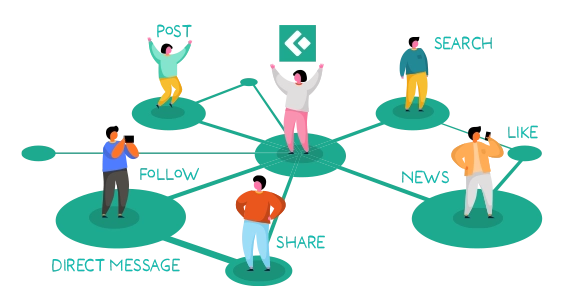
Work in groups or across businesses with a flexible and structured communication solution. Connect facilitates communication and ensures transparent coordination between team members and even the entire company.
Optimize your day-to-day work with handy AI tools:
➡️ myApps Assistant: Formulates texts, optimizes own posts and summarizes extensive discussions
➡️ Translations: Translates content into your own native language - the ideal tool for international teams
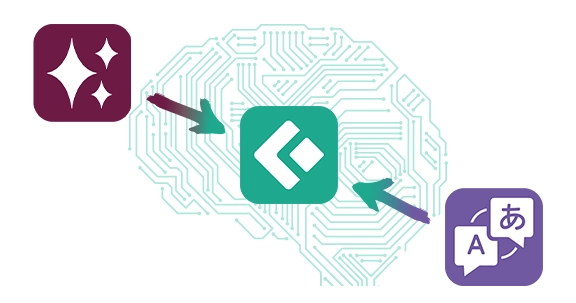
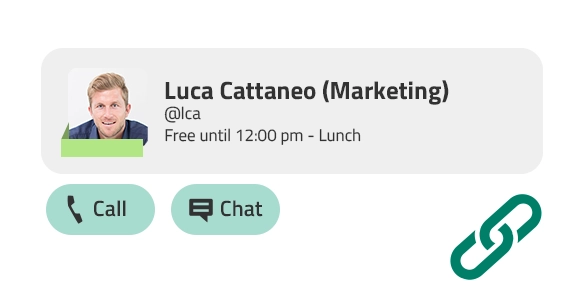
Use Connect together with other innovaphone applications and features such as telephony, presence integration and project management tools. Get connected and ensure your workflow runs as smoothly as possible to be most efficient.
Adjust your home screen according to your business needs. All relevant information and content will always be readily accessible for you.
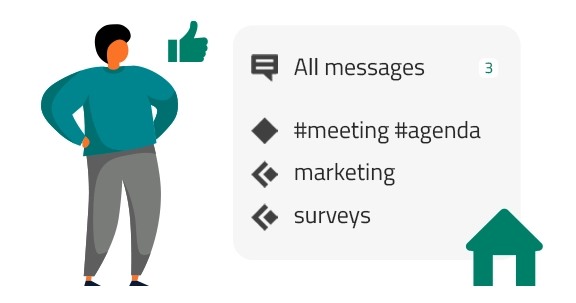
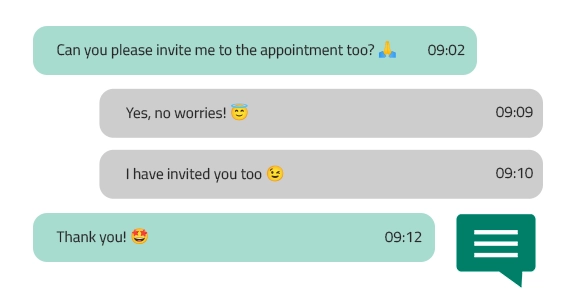
Send chat messages, emojis and files to other users and user groups directly via Connect.
I can now really control a lot of my day-to-day business from one application in one go [...] and the ease that this creates is simply fantastic!
For businesses looking to choose between tools such as Slack or Teams, innovaphone offers even more: A social communication interface for internal business communication with enterprise-level IT security standards. These standards enable compliance with data protection regulations.

Have you received a copy of an e-mail that does not have any relevance to you? This will no longer happen with Connect. Say goodbye to irrelevant e-mails. What’s best: You do not need to worry about forgetting someone in the e-mail correspondence. Simply tag the relevant people or groups in your posts. Everybody will get all the relevant information.

Meeting minutes, documents, important information - Connect provides access to all the bundled knowledge of the company, anywhere and anytime. Nothing is ever lost and everybody always remains up to date.

Not all information is always meant for everybody to see. Confidential information must be secured with restricted access - this is exactly what the Zones are for in Connect. You decide the level of transparency with your communication, in accordance with GDPR.
Private zones or private posts – Your sensitive data always remains in your hands. Connect stands for data security made in Germany.
How does transparency affect business success? What can you do to provide more transparency in your business? Use the online form below to download our white paper "The Importance of a Transparent Business Culture for Happy Employees" free of charge.
You have the option to test the Connect App within our innovaphone Community, also free of charge. Should you be new to our Community, please visit our dedicated website on getting started with the innovaphone Community.
Memory usage of the Connect App highly depends on the user behavior. Video files and high-resolution images always require more memory space than plain text. We would recommend you to monitor the size of your message database to get a feeling for its growth.
Our experience has shown that 100 MB per user / year is a good approximation. This estimated value would include occasional attachments, some PPTs, images, screenshots and very rarely a video.
Yes, it is possible to send private posts. Before posting your comment, you can tag one or more users and click on the icon indicating a private post  . Your comment is now directed only at the person or people you previously tagged.
Licensing of the Connect App is user-based. One license required per user who wants to use the Connect App.
The Connect App solely requires a user license. Additional licenses such as the port license are not required.
More detailed information on the licensing of our Connect App can be found with our licensing guidelines
Once Translations is installed, individual posts within Connect can be translated via the translate button below each post. You can further activate the option to automatically tanslate every post within Connect (open the Connect App -> go to the hamburger menu at the top right corner within the Connect App - > click on "User settings" -> check the box "translate automatically")
Our myApps Assistant enables you to integrate AI directly into Connect. You can select an LLM of your choice - whether in house or hosted via the cloud. Once you have set up the myApps Assistant, you can benefit from AI in Connect.


