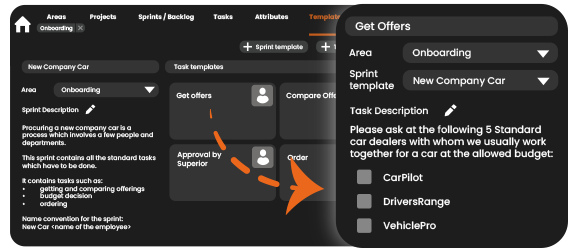
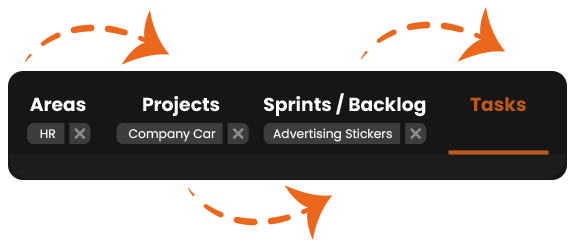
A project has 4 levels of hierarchy:
Area ➡️ Projects ➡️ Sprints ➡️ Tasks
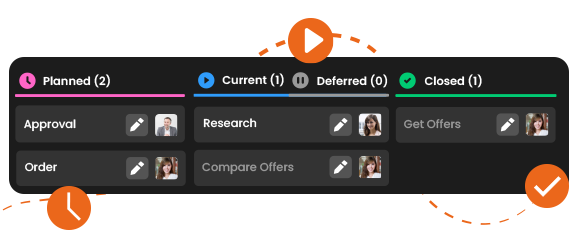
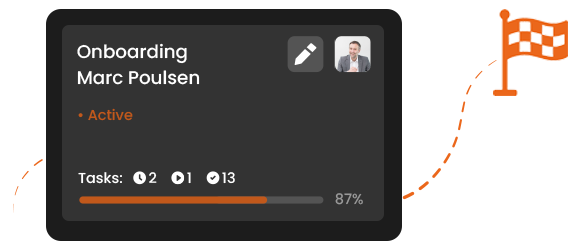
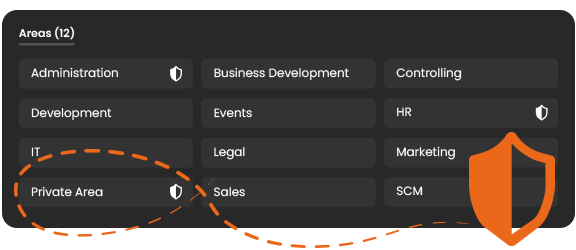
Always maintain an overview, also with complicated processes. Areas may represent teams or departments. Projects can be divided into sprints (smaller portions of complex projects) based on time or topic. In these sprints, you define specific tasks.
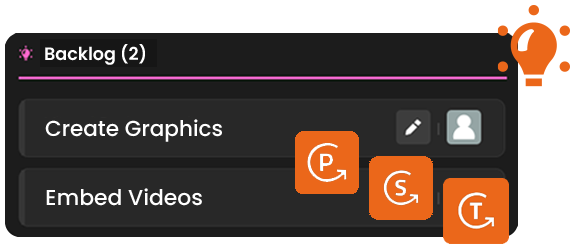
Every project has a backlog. This is a great place to collect ideas, requirements and tasks that have not been assigned to specific sprints yet. The backlog is ideal for agile teams.
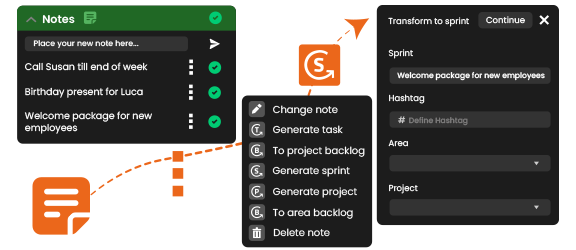
What’s great: Whether your backlog idea grows or remains only a small side task, you can flexibly turn this backlog entry into a project, sprint or task. Items can be moved directly from a project backlog to the superseding area backlog. The history and discussions are fully preserved when doing so.
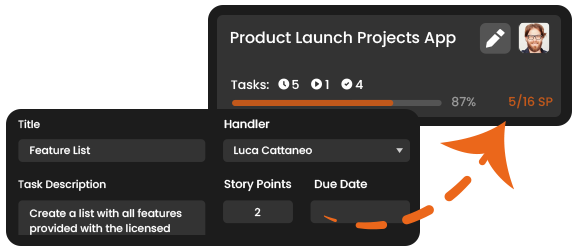
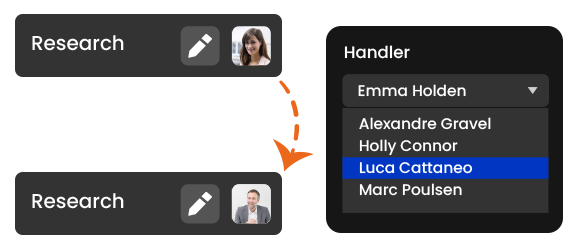
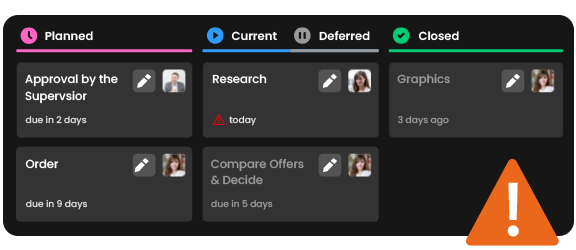
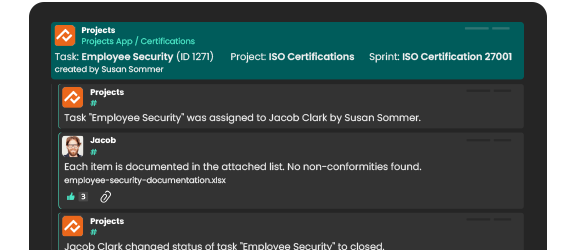
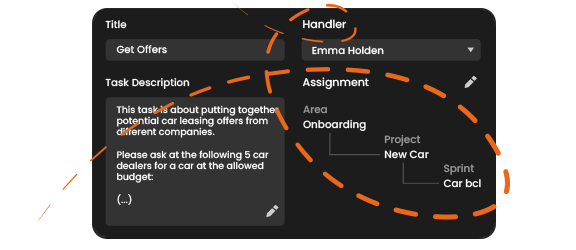
Tasks are the smallest unit in the Projects App. A task is assigned to a handler, and a task is assigned to at least one sprint.
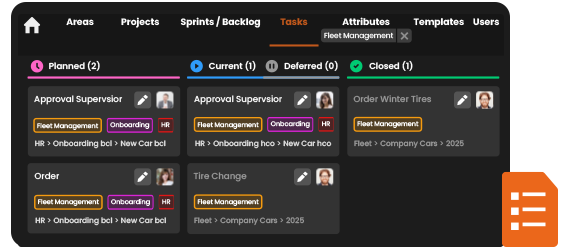
Good to know: One task can be assigned to more then one sprint. This is ideal for projects that extend across multiple departments.
You can also copy tasks and reuse these for similar tasks.
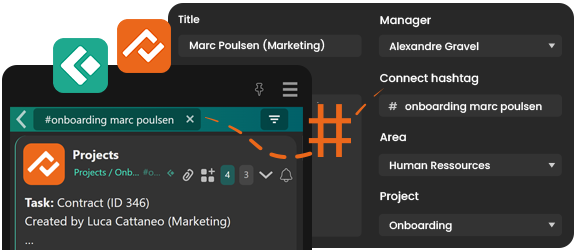
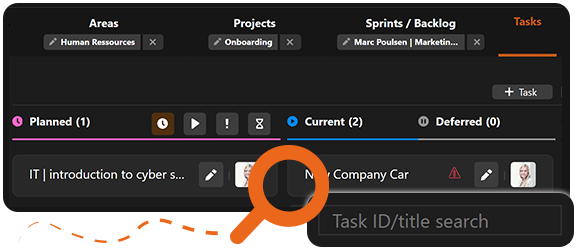
You can filter by areas, projects or tasks.
The integrated search function enables you to look for elements by entering title or ID number. Search results are displayed directly in the board view, so you can immediately see the results within their context.
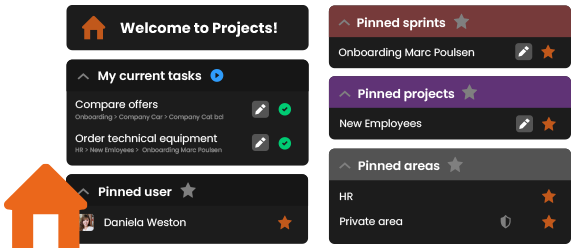
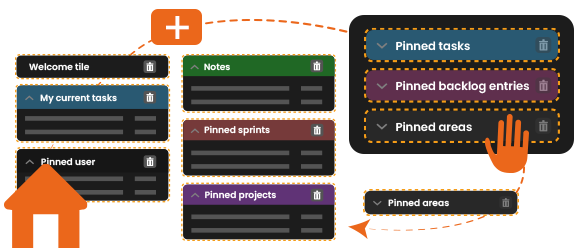
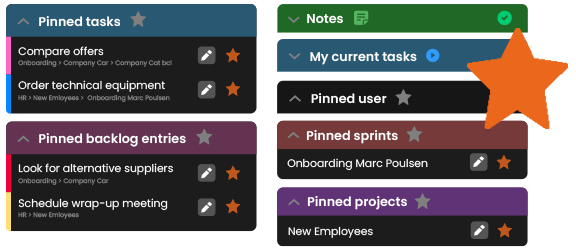
Get quick access to all content via your dashboard. The dashboard shows bookmarked favorites (i.e. pinned areas, projects, sprints or colleagues) plus a listing of all tasks.
By clicking on a favorite - a project / sprint / task pinned as favorite to your dashboard - the respective filter is set automatically.